- Role
- Frontend Engineer
- Timeline
- 2023 – 2026
- Impact
- 6M+ merchants
- Stack
- PreactReactTypeScriptStorybookGraphQLRuby on Rails
I spent the last three years on the team that owns Checkout Polaris — the design system that powers the checkout surface across every Shopify storefront.
What is Checkout Polaris?
Checkout Polaris is the Design System and component library that renders every step of checkout and customer accounts pages.
Externally, it's the public surface that third-party developers use to build Checkout UI Extensions, the small sandboxed apps merchants install to add custom functionality at defined points in the flow. Extension authors compose Polaris components, our checkout renders them, and the result feels native.
Branding API
The Branding API is the GraphQL endpoint Shopify Plus merchants use to theme their checkout, the checkout queue, every checkout UI extension, and the customer account pages.
In 2024, I contributed to the work that extended the Branding API to support Container Styles — per-section background, border, corner radius, and padding for the header, footer, main column, and order summary. It shipped as the public Customize Sections API and expanded the granularity in which merchants could brand their checkout experiences.
Accessibility
Because every extension renders through the host's components, getting accessibility right inside Polaris means every third-party app and extension gets it for free. Our web components are built with accessibility in mind, using semantic HTML under the hood, with proper keyboard support, correct use of ARIA-attributes and focus management.
A consistent thread of this job was working with Shopify's embedded accessibility specialist on accessibility issues across the library.
Prod. Support, ATC & Code Red
Two adjacent efforts ate a lot of cycles, and I'm prouder of them than they might sound:
- Backlog grooming. We set up a sustained rotation where the team had explicit weekly budget to close old bugs instead of only starting new work. The backlog dropped meaningfully over the year.
- Observability Code Red. A focused push to cut error rates surfaced in our observability — flaky integrations, noisy alerts, slow-burn perf bugs on critical paths.
It was also part of the job to rotate frequently as Design System ATC — the on-call person who fields incoming questions from internal sibling teams and merchant escalations. It's the role where you learn the most on how the library is actually being used and which issues are escaping our backlogs.
Remote DOM Migration (2025)
For most of the extension platform's life, third-party UI was rendered through a system Shopify called Remote UI — a custom protocol that serialized a React-like component tree across a worker boundary so untrusted extension code could render into checkout without touching the host page. It worked, but every DOM-like thing we wanted to expose (focus, scroll, refs, mutations) had to be reinvented on top of the protocol.
In 2025, we kicked off an effort to replace it with Remote DOM. Instead of a bespoke component protocol, Remote DOM serializes actual DOM mutations across the worker boundary — extension code writes JSX, Preact, or vanilla JS and the framework emits real DOM operations that get applied to a tree of s--prefixed custom elements on the host. (The team wrote up more on the engineering side of it here.)
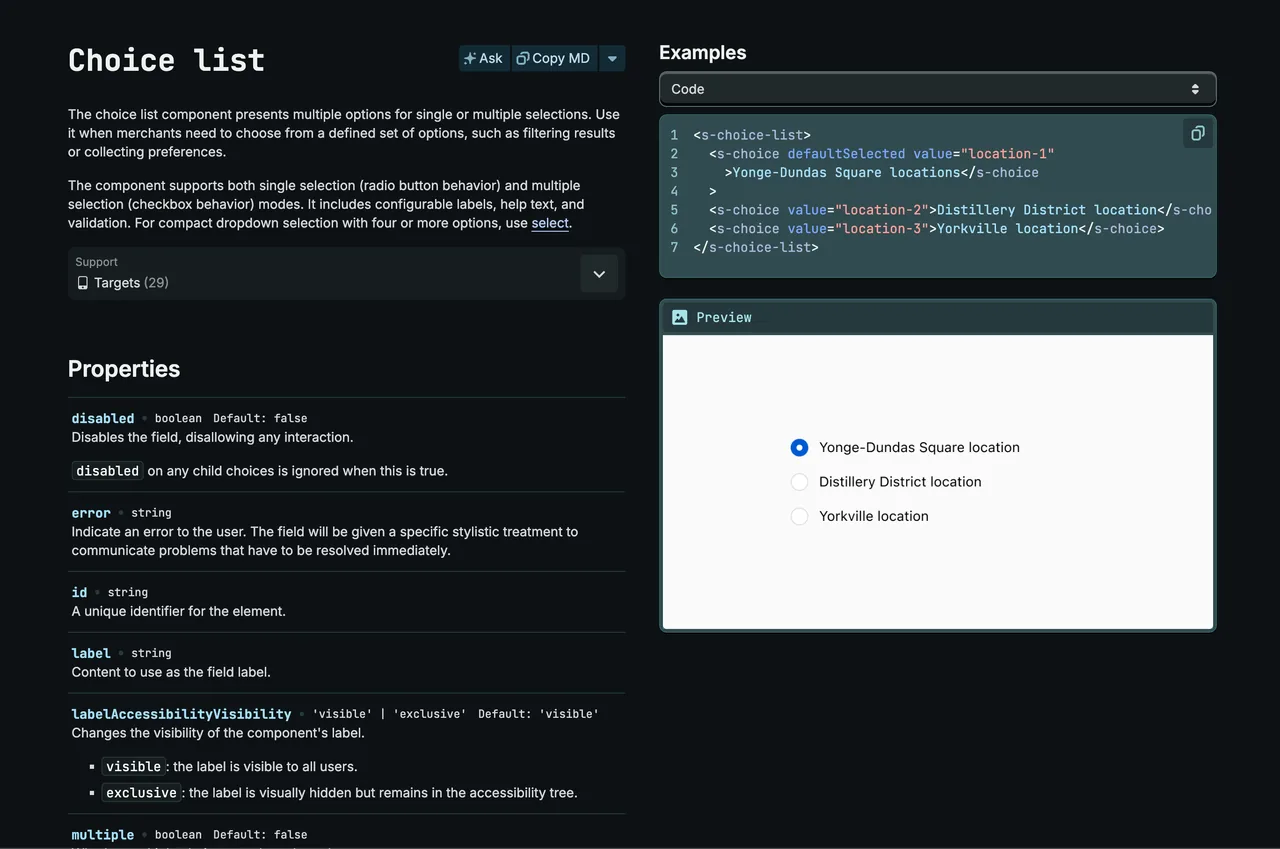
The migration also pulled every Polaris surface under a single API. Admin, POS, Customer Account, and Checkout used to ship four separate component libraries with four different prop conventions; today they share an HTML-like API driven by an internal ui-api-design working group. Same casing rules, same boolean conventions, same slot semantics — a <s-button> in checkout has the exact prop shape it has in admin.
During this journey, I owned the rewrite of several input components and helped scaffold the testing patterns the rest of the team used to migrate the long list of components without regressing accessibility, functionality or semantics.
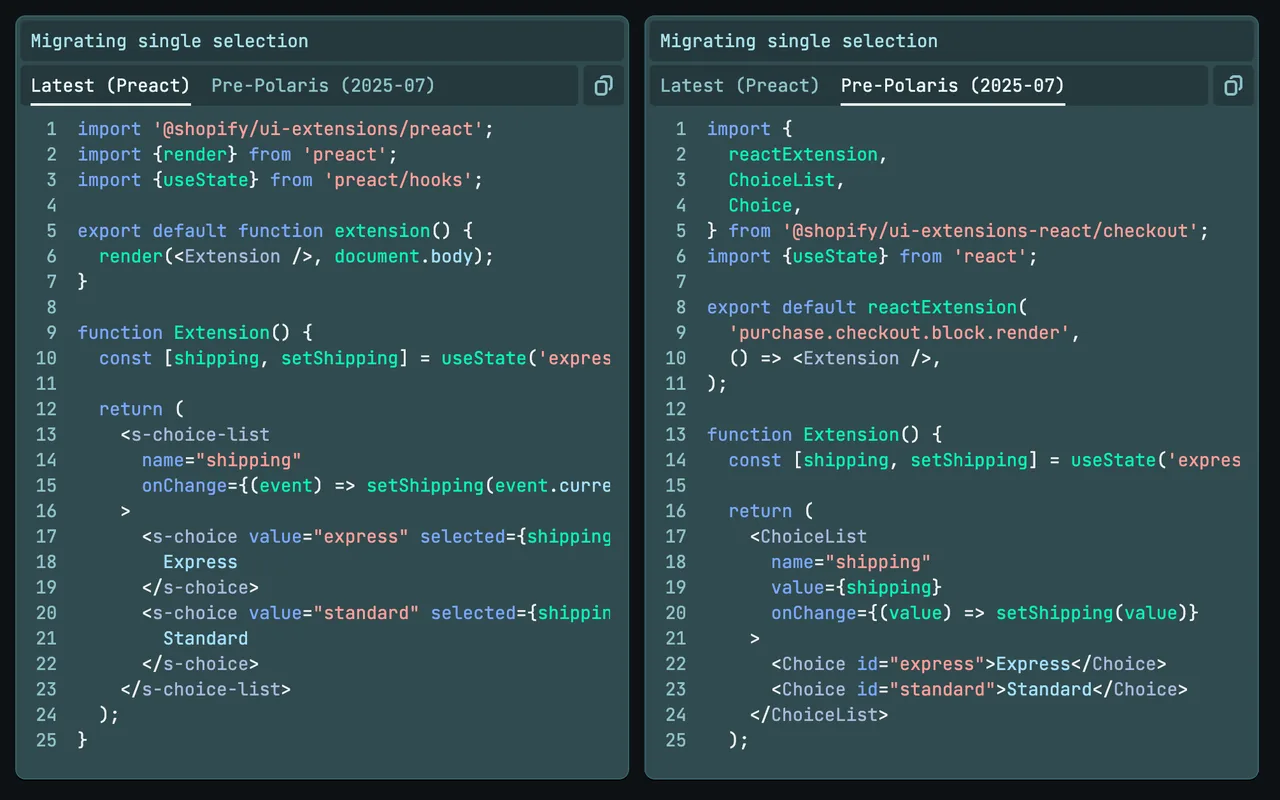
This effort took us most of 2025, and we finally shipped it in October 2025.
Official docs
This post was just a brief, first-person experience tour of this Design System.
The offical Checkout Polaris documentation lives at:
- Checkout UI Extensions — the full extension API.
- Using Polaris components — how extension authors compose the library.
- Remote DOM — the rendering layer the platform runs on.
- Checkout Branding API — the API behind merchant theming.
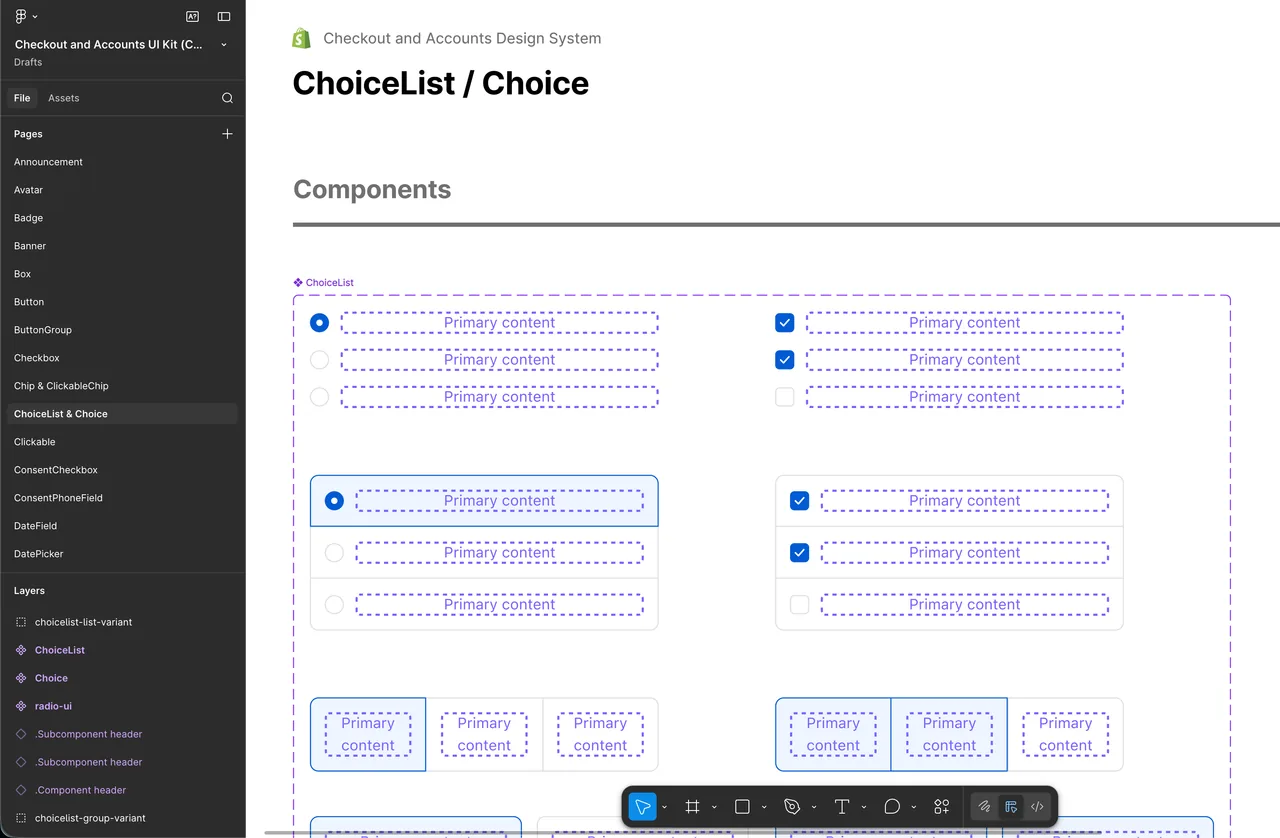
- Figma UI Kit – UI reference and source-of-truth